Qobrix CRM Logo
qxx

How to Generate Your API Key

How to Generate Your API Key

How to Generate Your API Key

Enable secure integrations with third-party applications. Follow this simple security walkthrough to access your user profile settings, verify your credentials, and generate your unique personal API key.

Enable secure integrations with third-party applications. Follow this simple security walkthrough to access your user profile settings, verify your credentials, and generate your unique personal API key.

Qobrix Icon 3d
Qobrix Icon 3d
Qobrix Icon 3d

How to Generate Your API Key

Generate your unique API key in just 7 simple steps and 25 seconds. Access your profile settings, authenticate with your current password, and create secure API credentials for integrating your CRM with external applications.
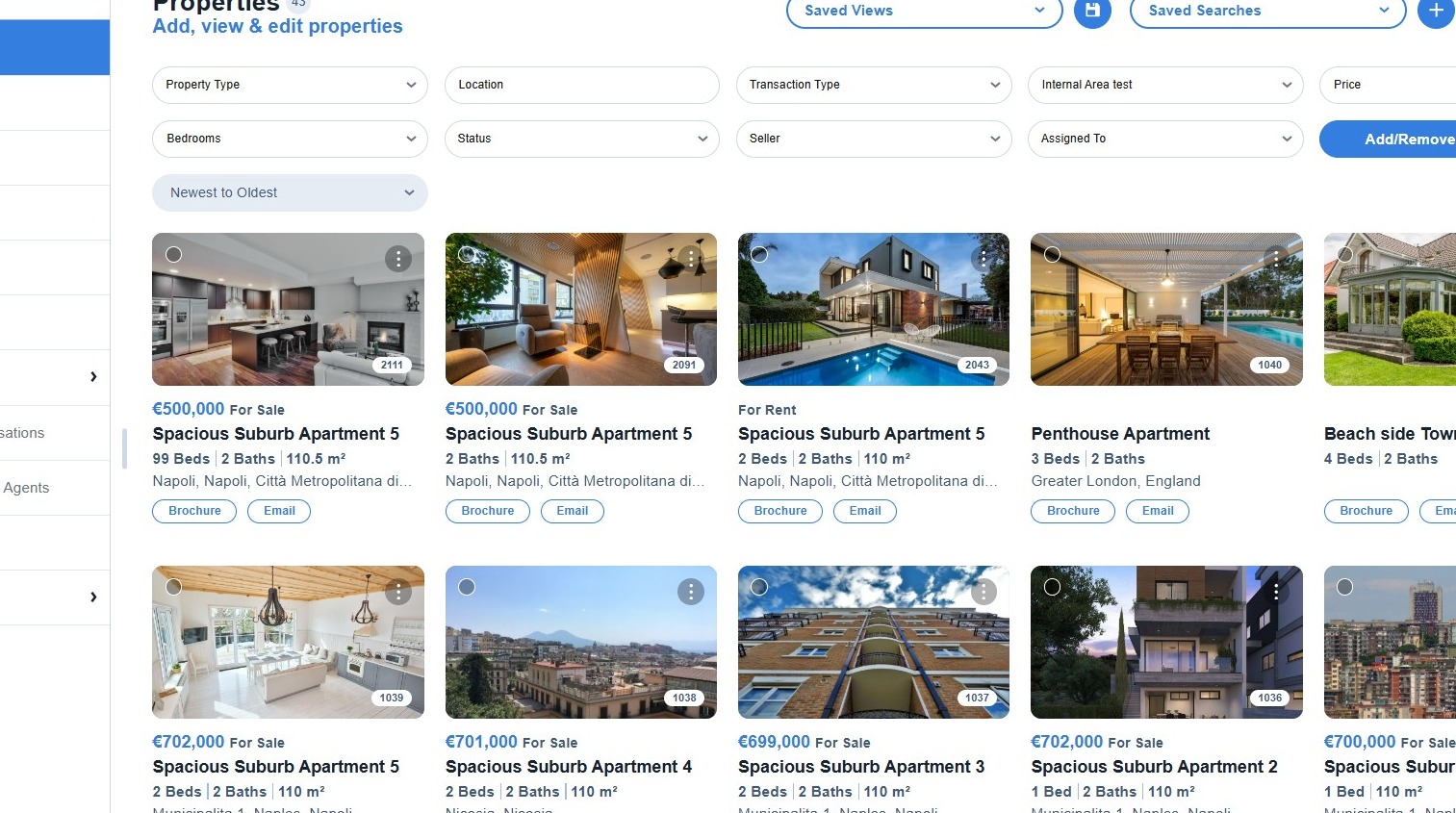
Step 1: Access your CRM.
Step 1: Access your CRM
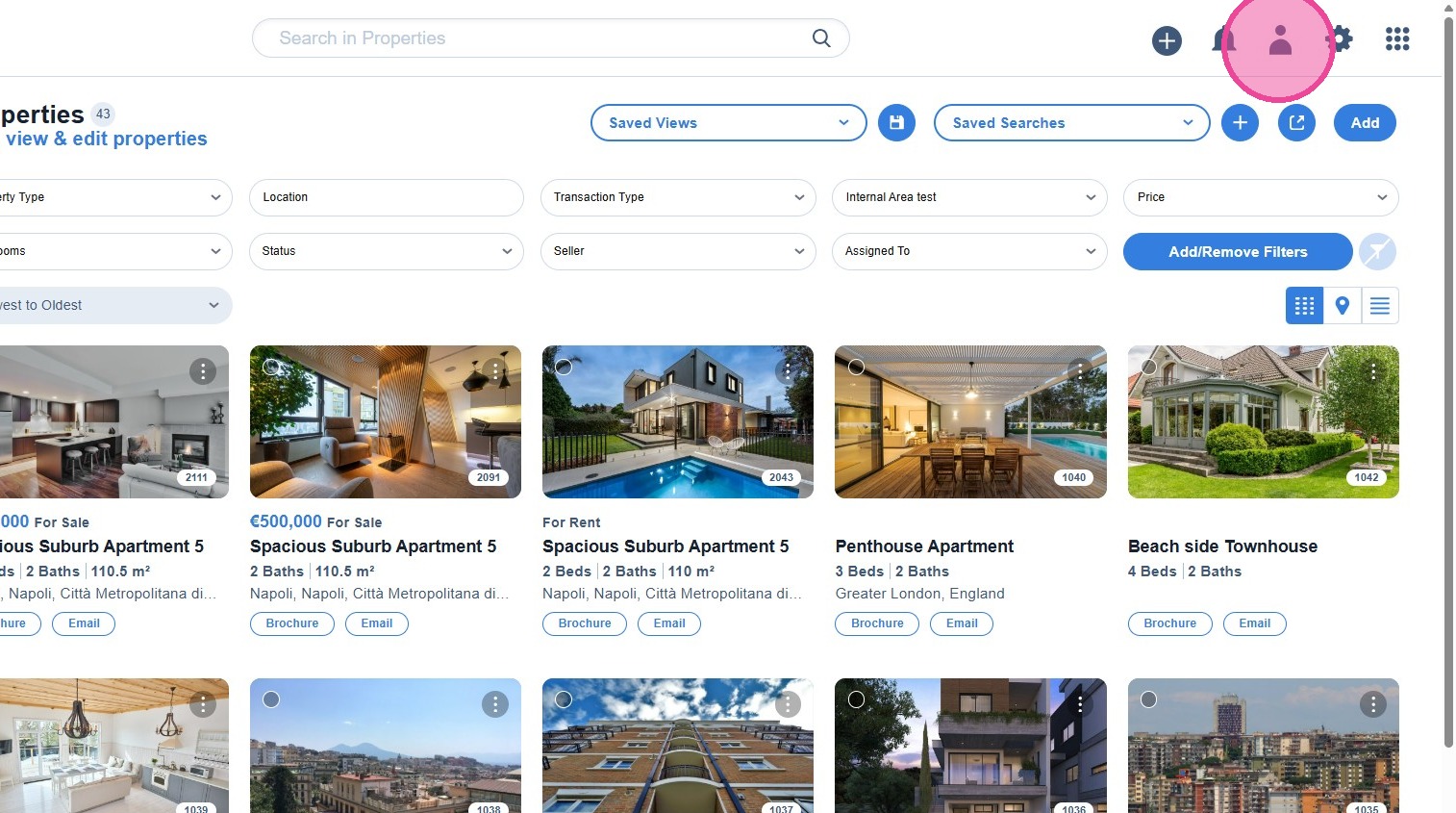
Step 2: Click on the Profile icon.
Step 2: Click on the Profile icon
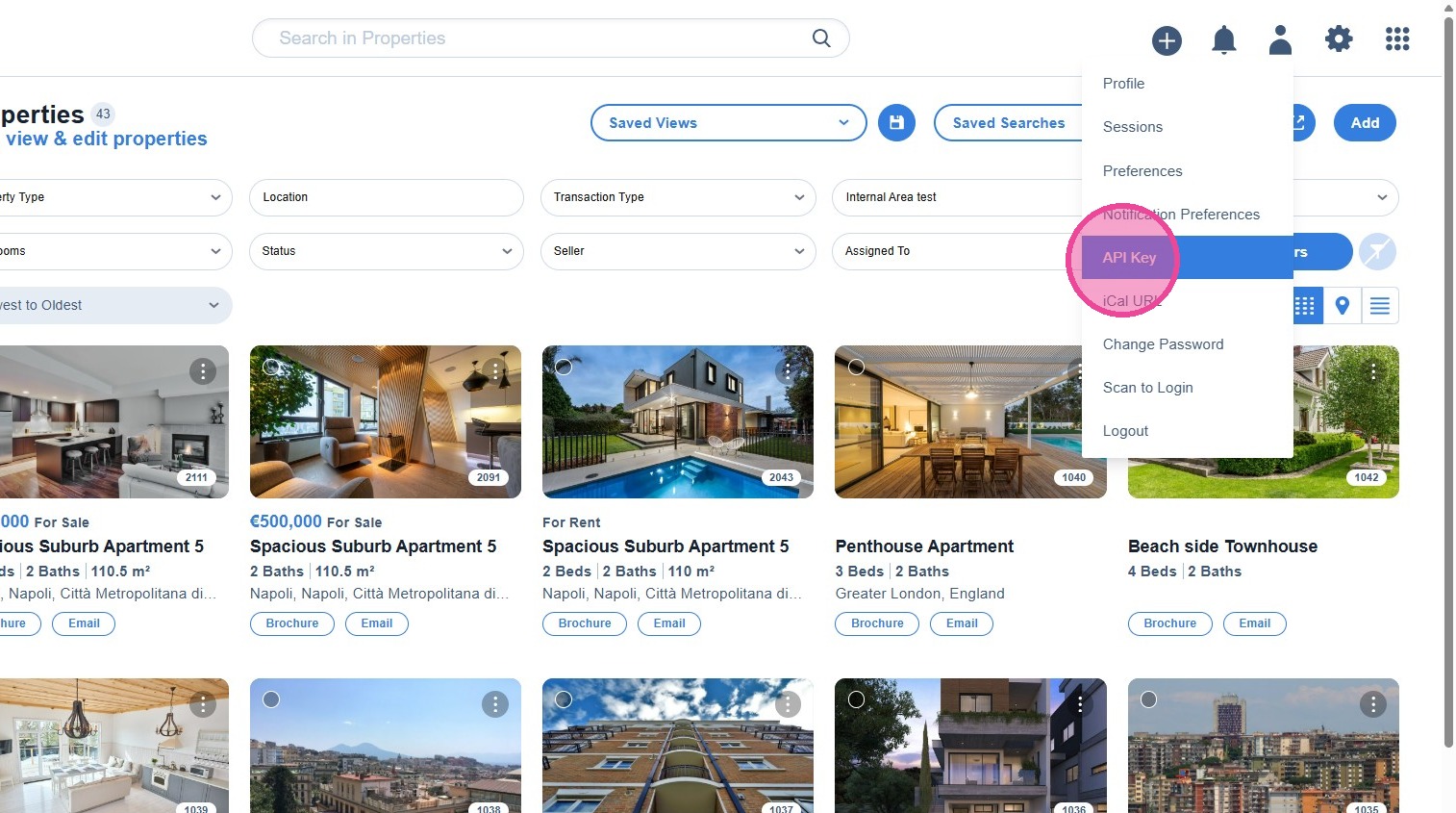
Step 3: Select **API Key**.
Step 3: Select API Key
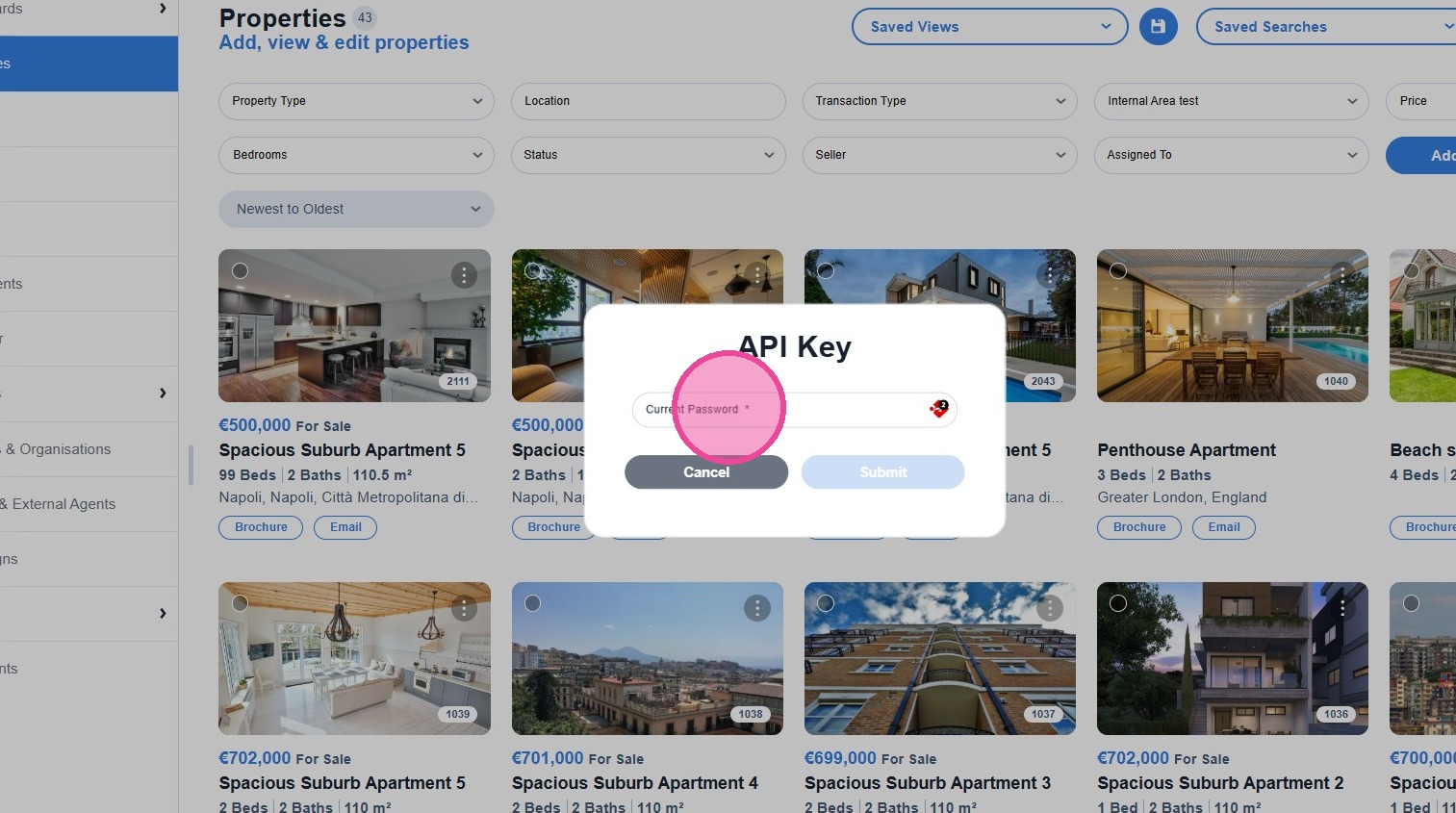
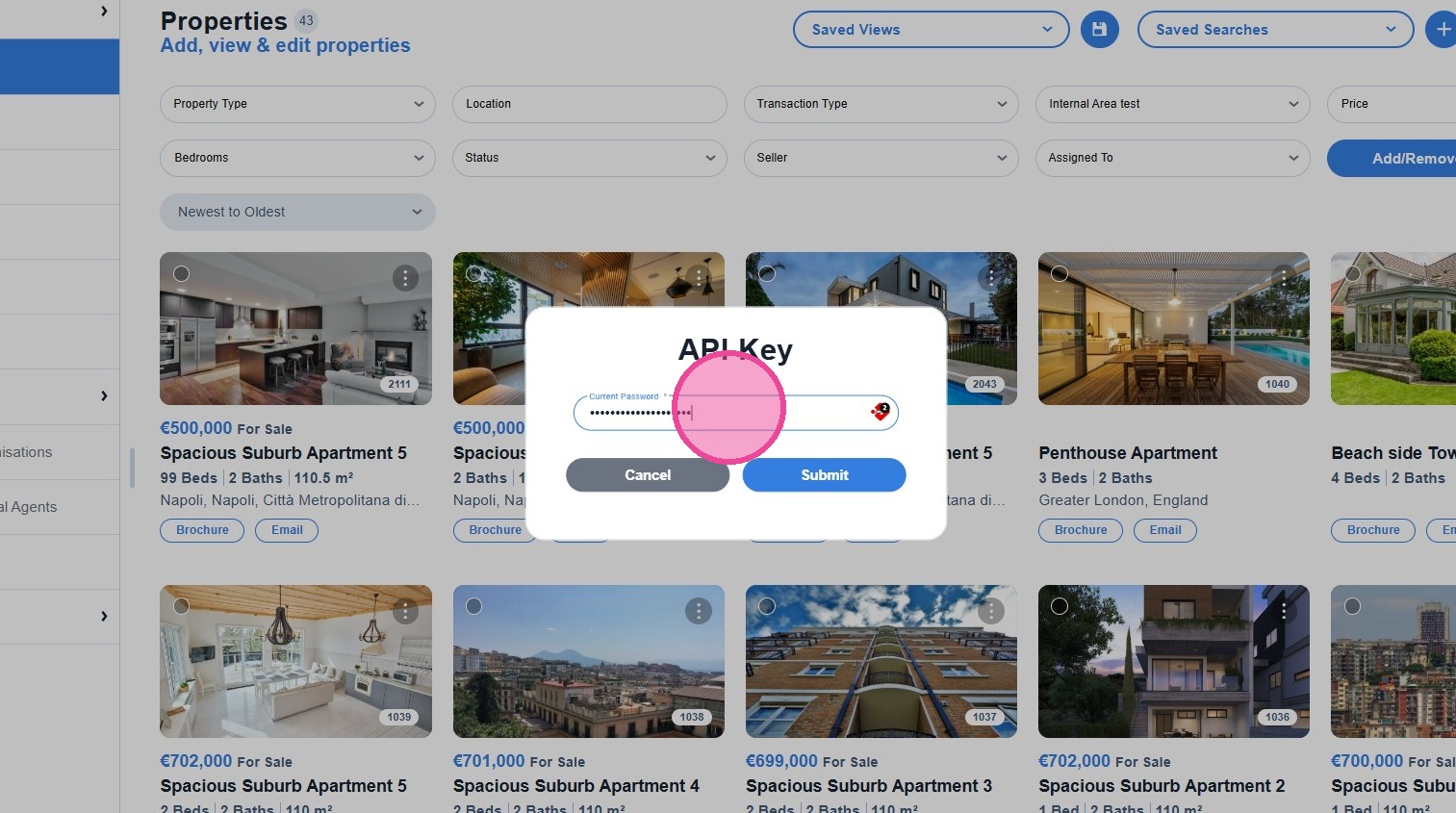
Step 4: Add the **Current Password** you use to log in to your CRM.
Step 4: Add current password
Step 5: Enter your password in the field.
Step 5: Enter password
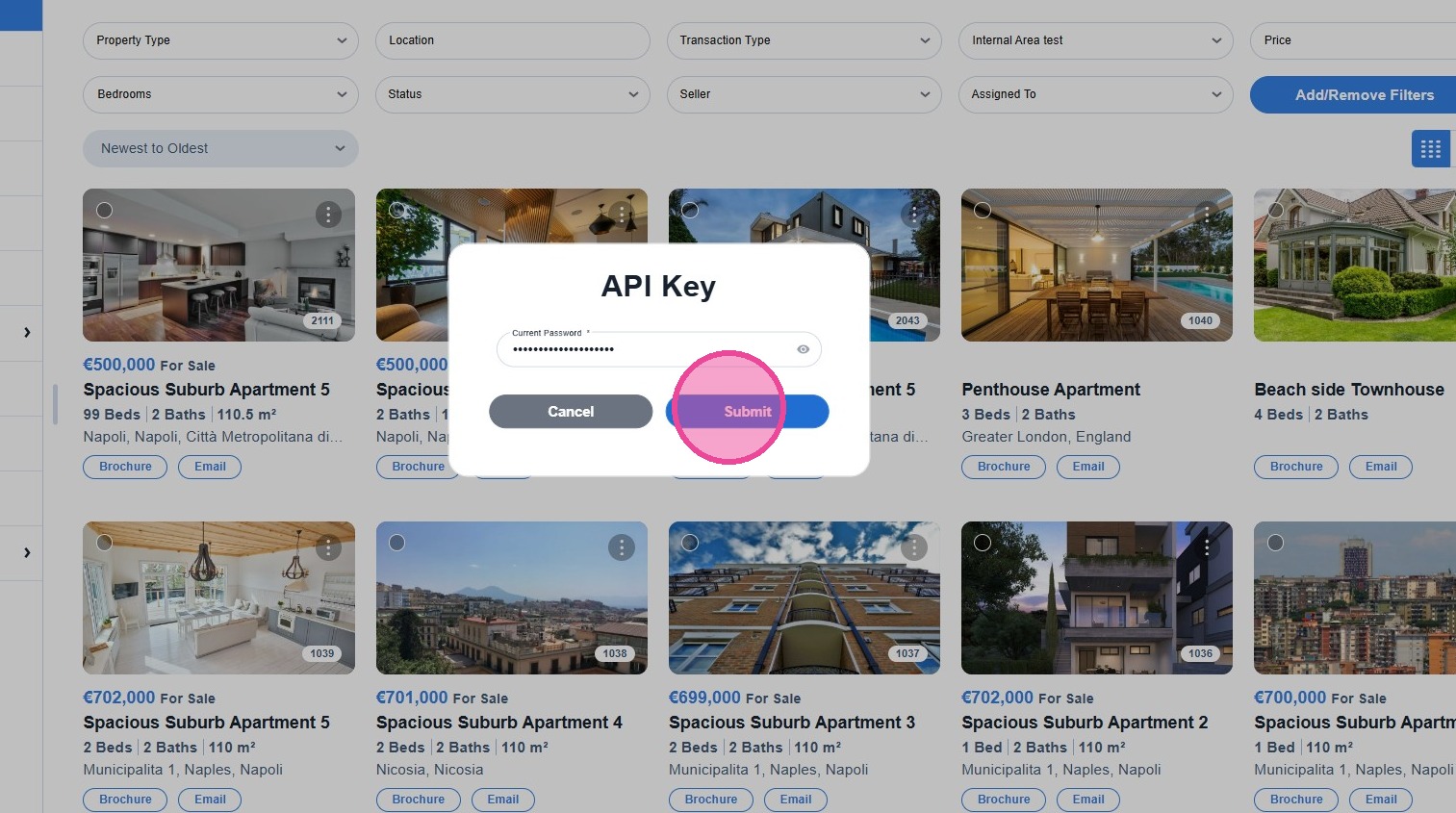
Step 6: Click **[Submit]** to generate your API key.
Step 6: Submit to generate API key
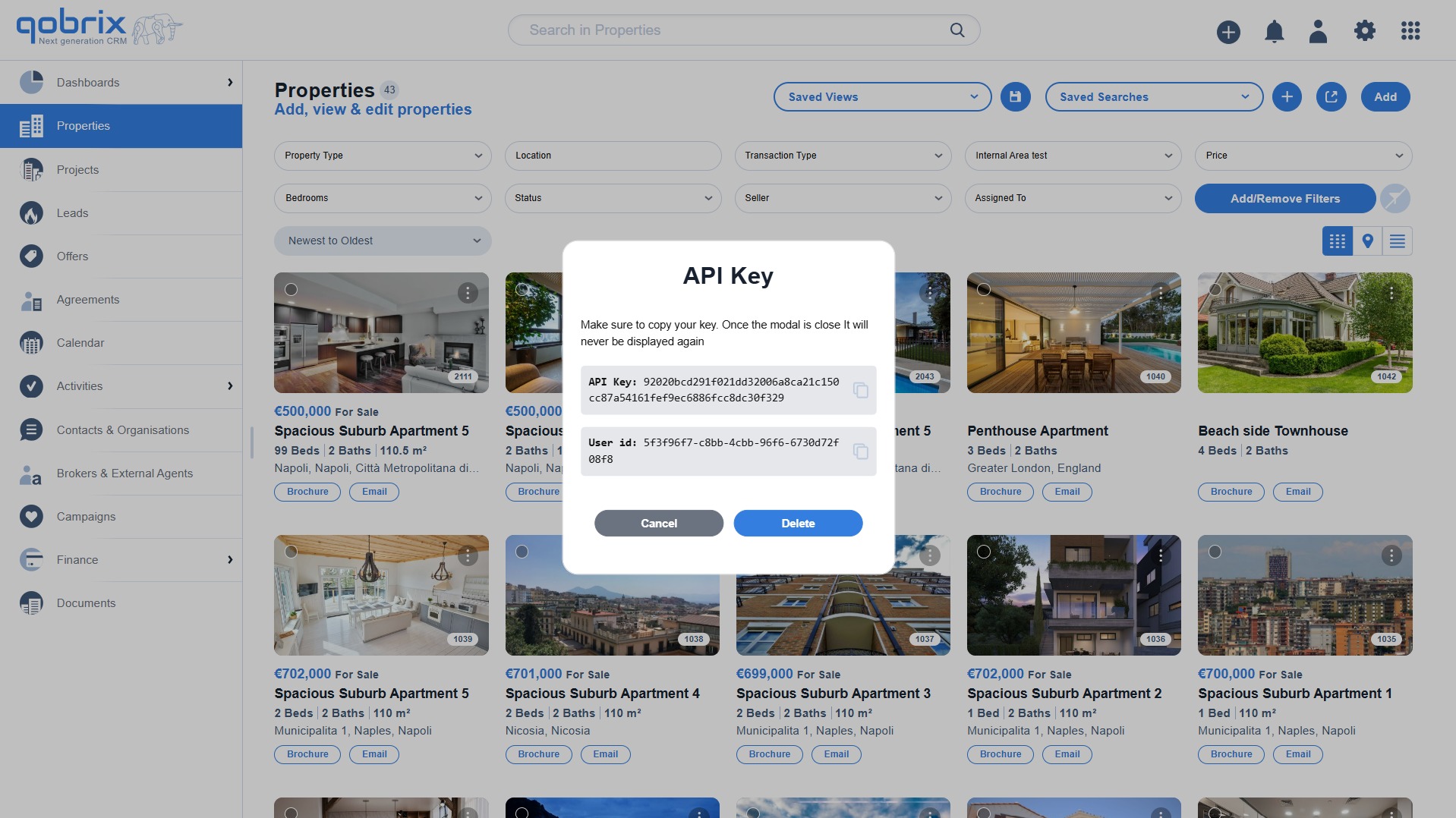
Step 7: Your API key has been successfully generated and is now ready to use.
Step 7: API key generated successfully
Qobrix ecosystem
Qobrix ecosystem

Get Started Today

Get Started Today

See how Qobrix can change the way you run your operations

See how Qobrix can change the way you run your operations