
Advanced Search
Advanced Search
A Better Way to Search: New Qobrix Map Features
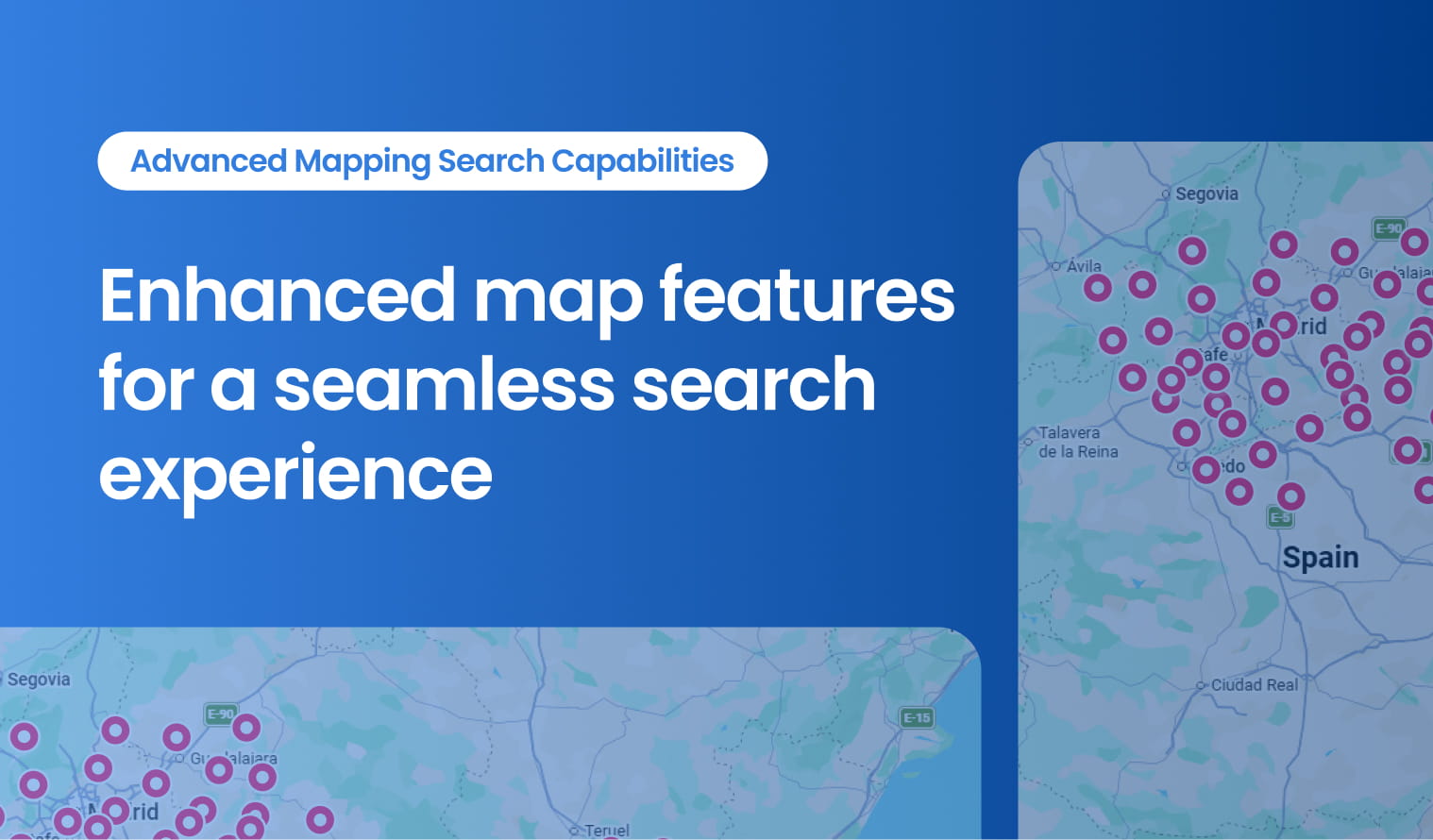
We’re excited to introduce the latest Qobrix update—built to make your property search faster, smoother, and more effective. With powerful new map enhancements, you can explore listings with greater accuracy and convenience.
Your Search, Supercharged on the Map
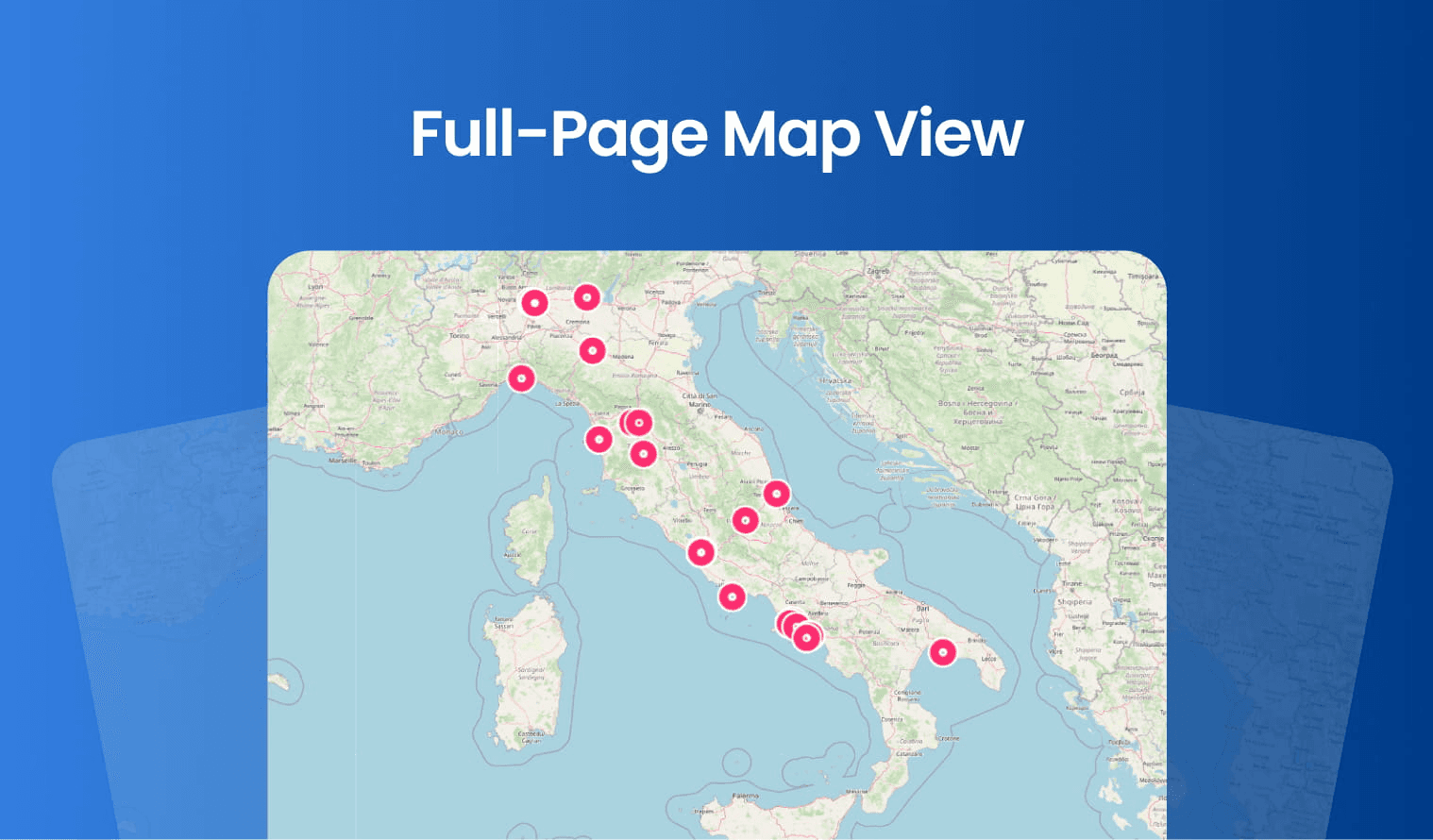
Our new full-page map view makes searching for properties smoother and more intuitive. You can now filter your options comfortably on the left while exploring listings on the right in real-time.
Set Clear Boundaries
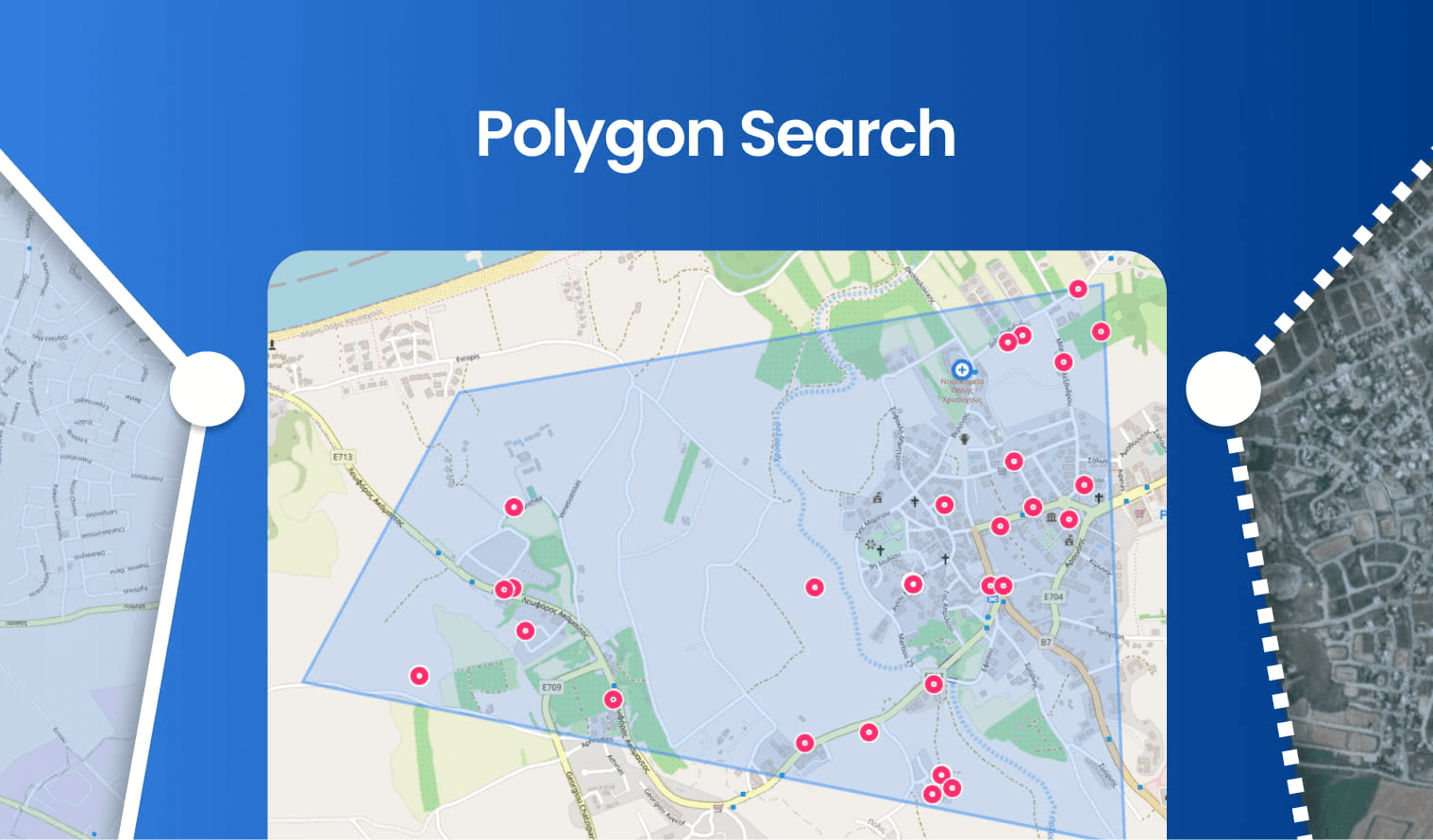
With the new polygon search feature, you can draw custom boundaries directly on the map. This allows you to focus your search precisely on the areas that interest you most.
See More. Miss Less.
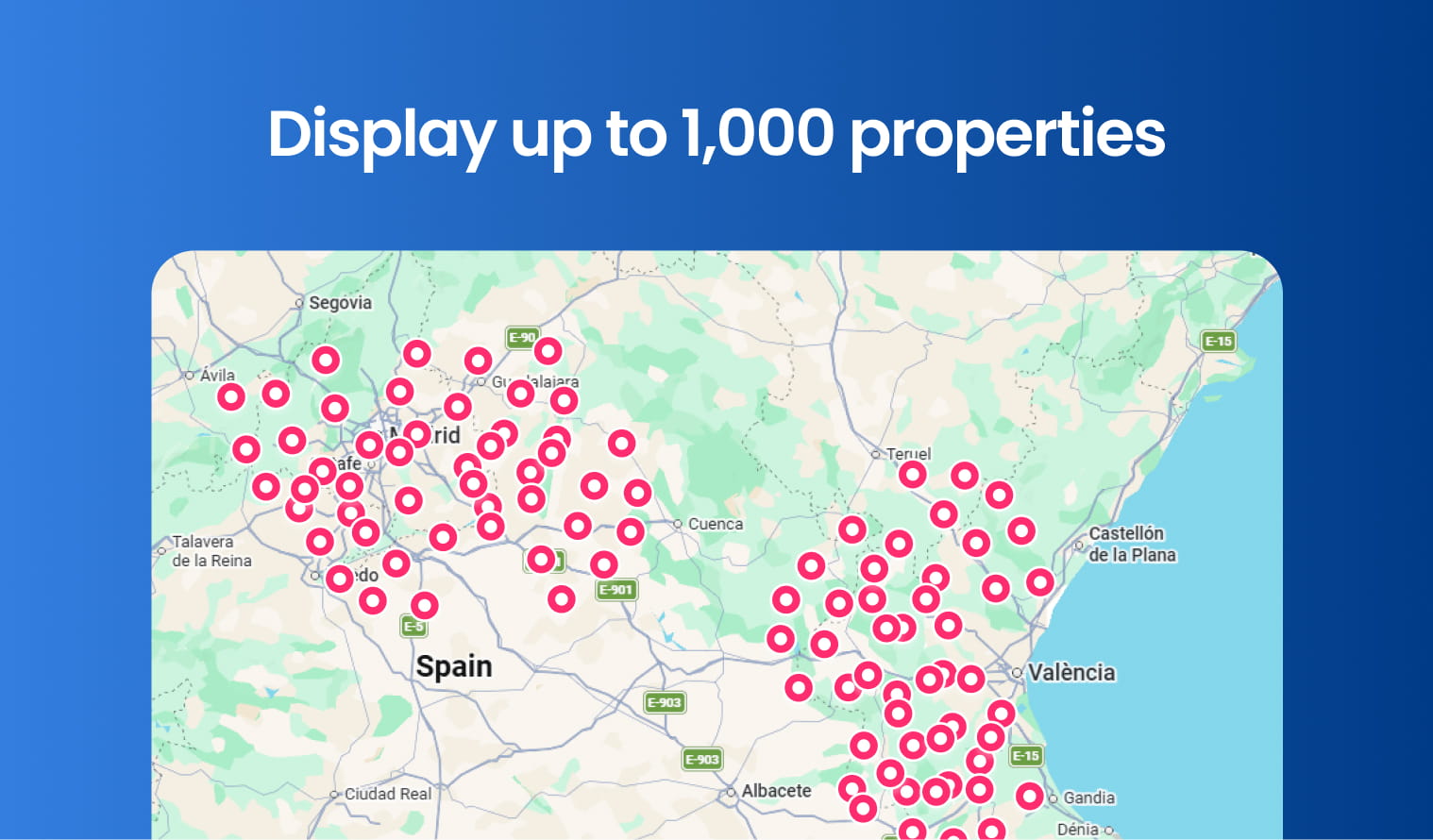
We’ve expanded our capacity to show up to 1,000 properties at a time. This means you can access a broader range of listings without missing out on any options.
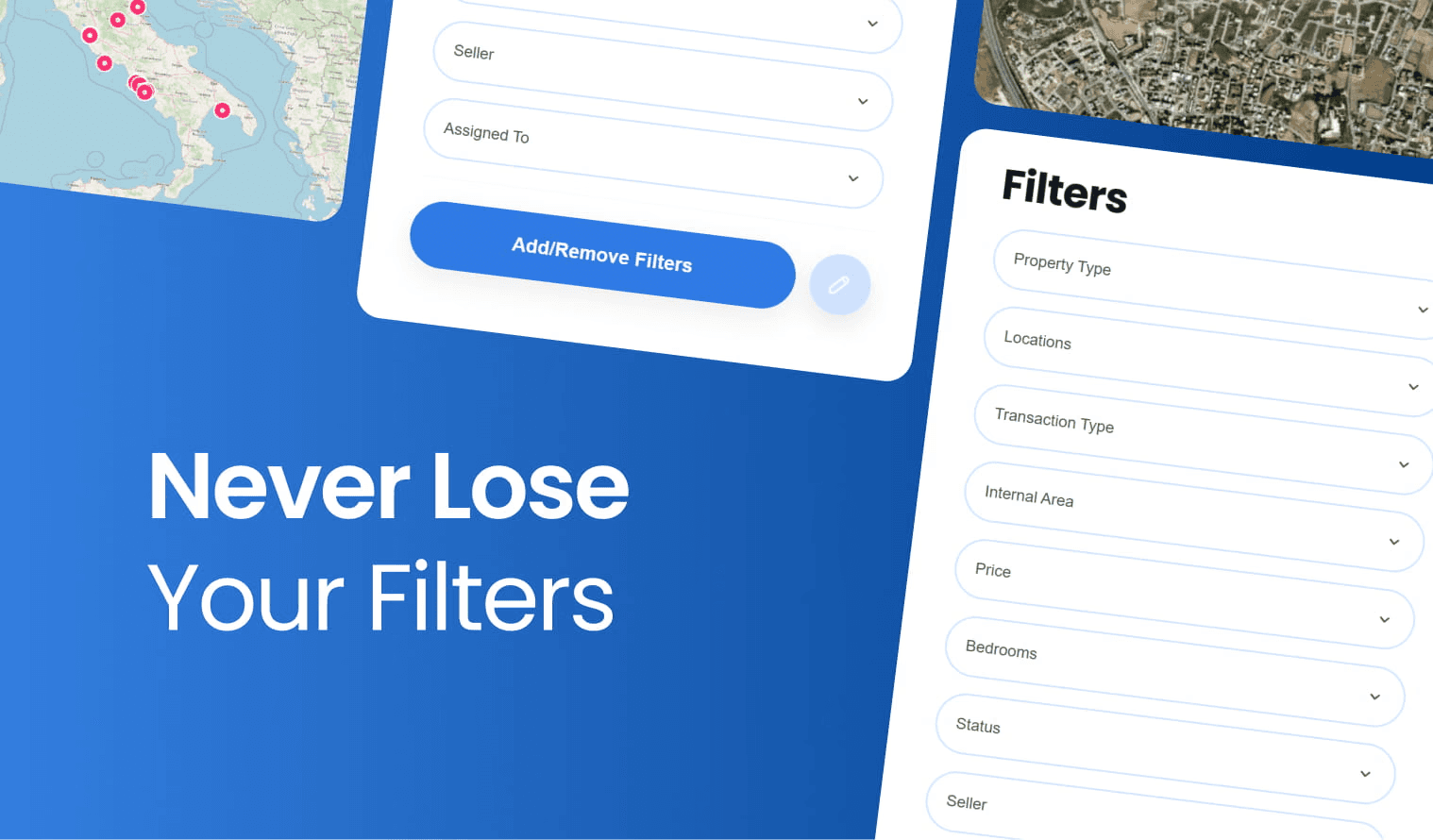
Filters That Don’t Reset
With our new update, your search filters stay active as you switch between different map views. This ensures a seamless and uninterrupted property search experience without needing to reapply your preferences.
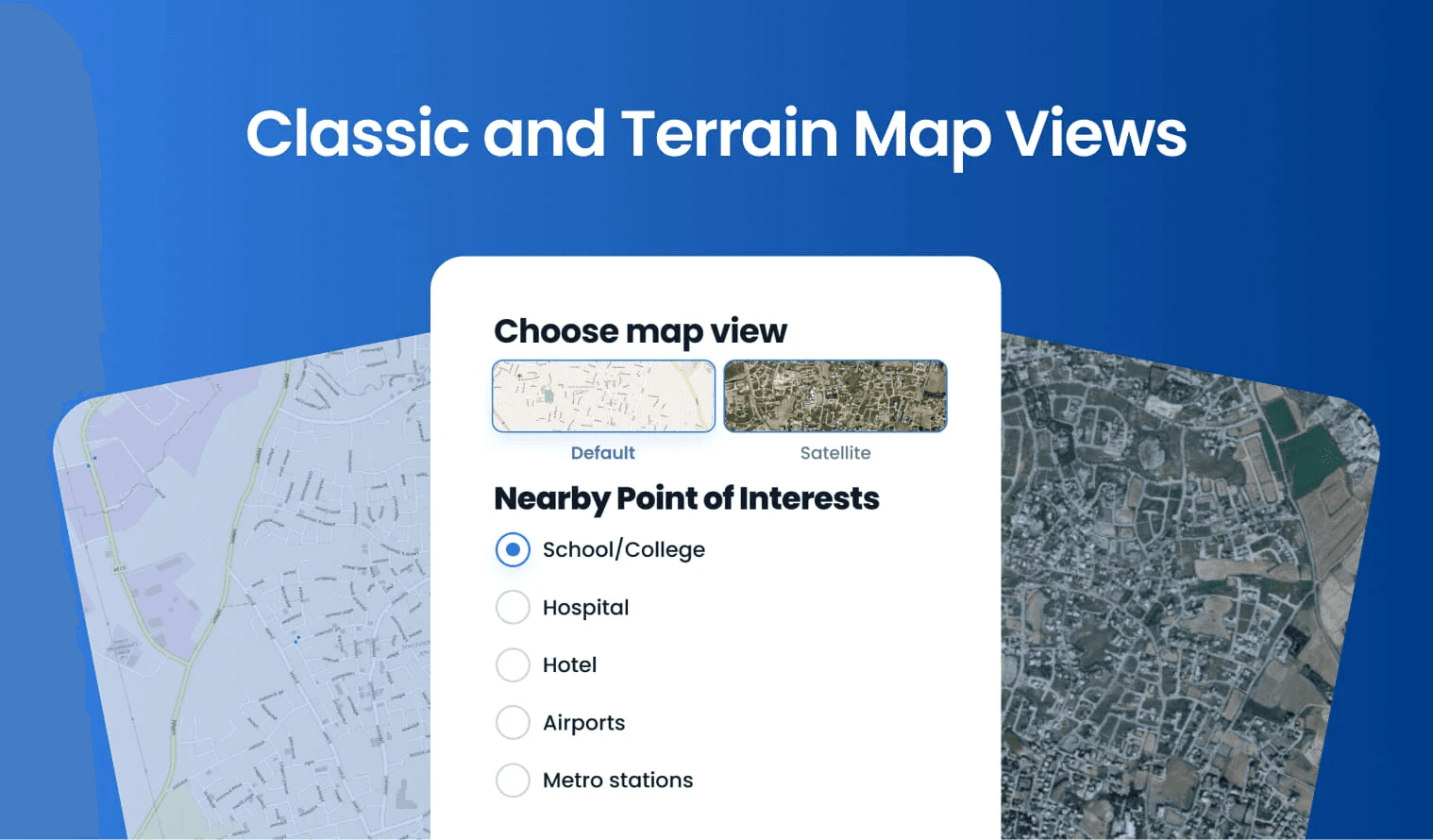
Switch Views, Get More Context
Choose between a classic map view for a straightforward search or a terrain view to understand the landscape better. This flexibility helps you make more informed property decisions.
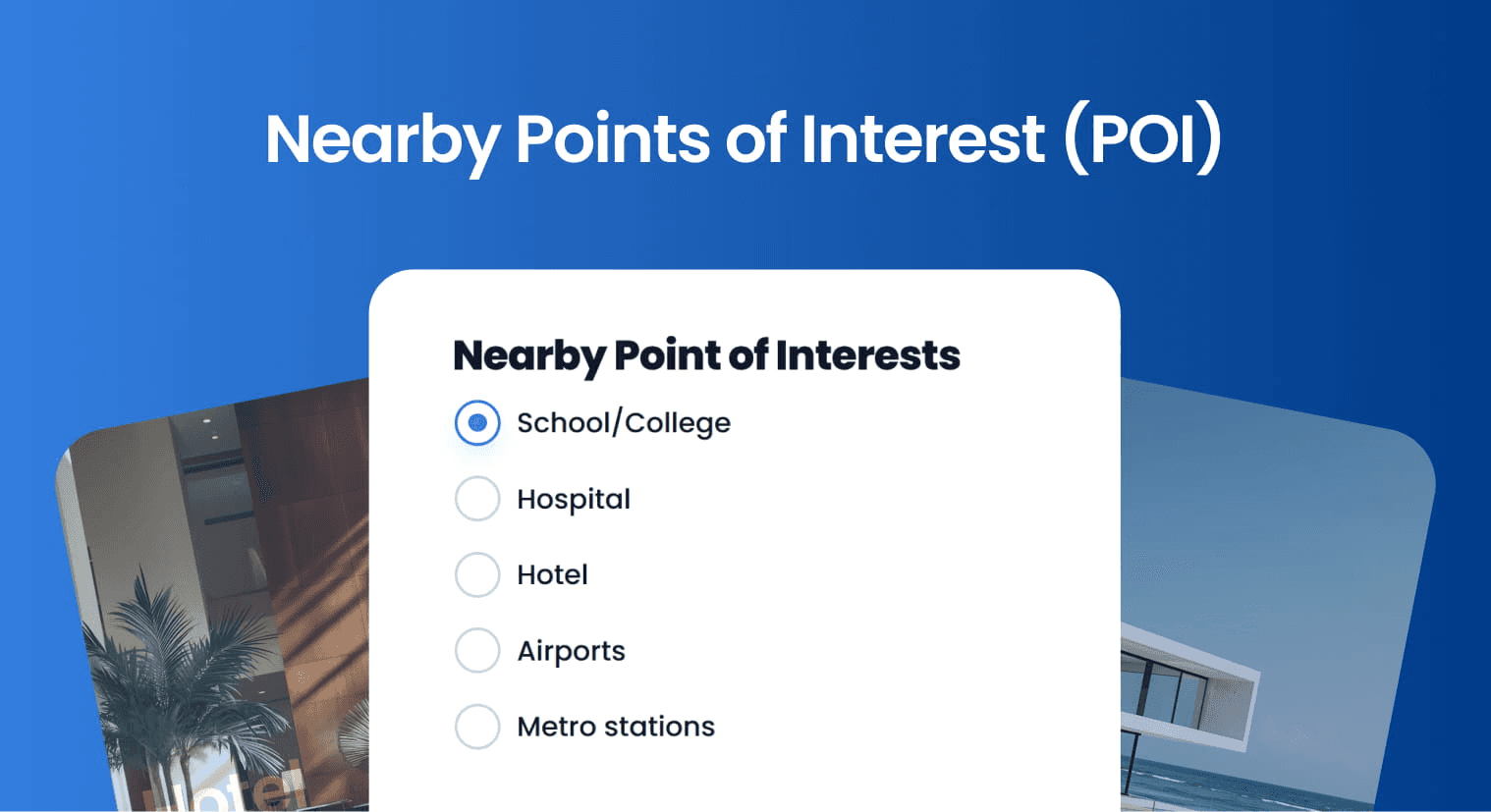
Lifestyle View: Amenities Nearby
Zoom in on the map to see nearby schools, parks, restaurants, and other points of interest. This feature helps you quickly assess the convenience of each property’s location.
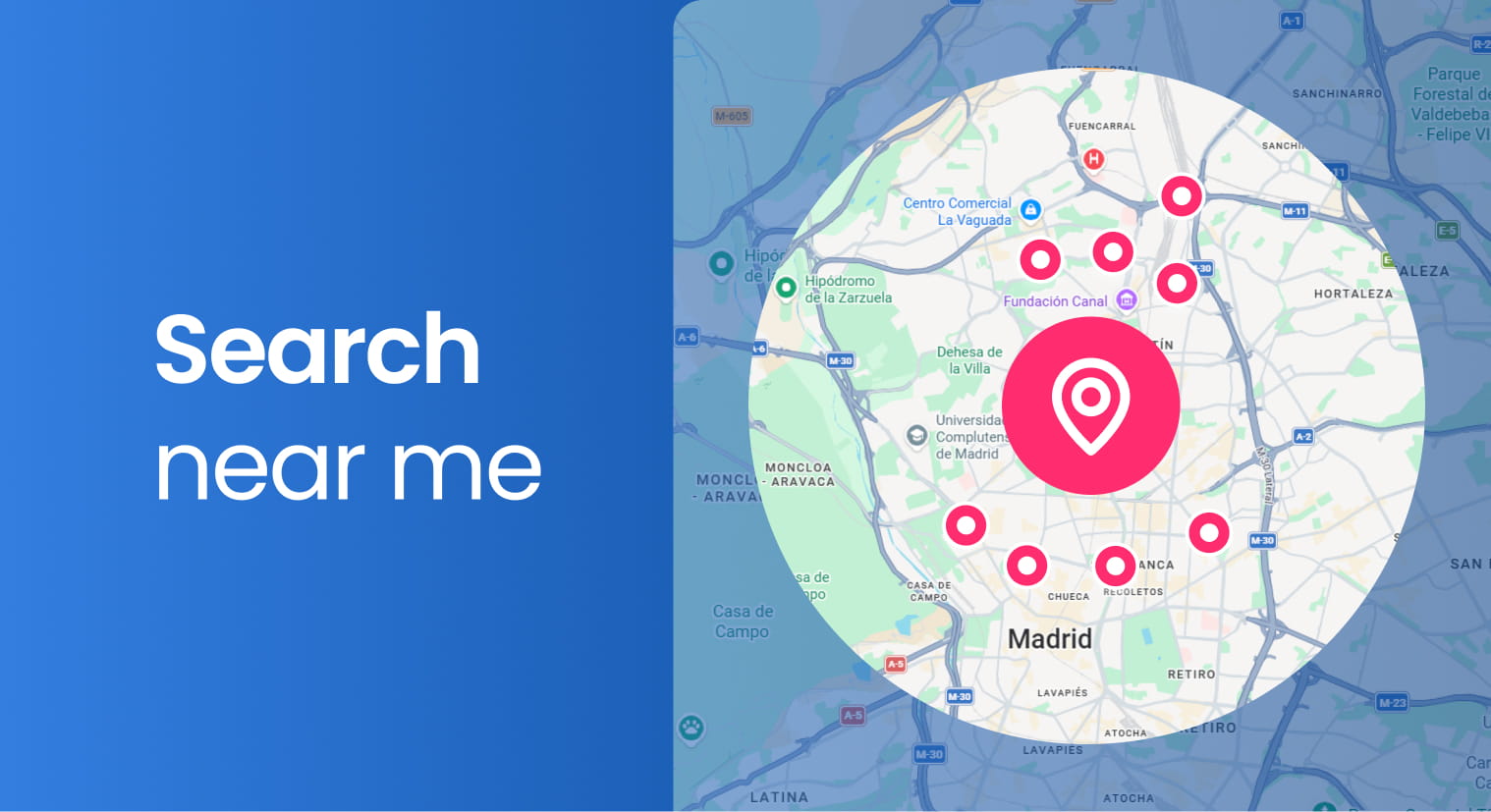
Search Where You Are
Find properties within your view which are close to your current location with our new "Search Near Me" feature.
Back to Release Notes
Advanced Search
Advanced Search
A Better Way to Search: New Qobrix Map Features
We’re excited to introduce the latest Qobrix update—built to make your property search faster, smoother, and more effective. With powerful new map enhancements, you can explore listings with greater accuracy and convenience.
Your Search, Supercharged on the Map
Our new full-page map view makes searching for properties smoother and more intuitive. You can now filter your options comfortably on the left while exploring listings on the right in real-time.
Set Clear Boundaries
With the new polygon search feature, you can draw custom boundaries directly on the map. This allows you to focus your search precisely on the areas that interest you most.
See More. Miss Less.
We’ve expanded our capacity to show up to 1,000 properties at a time. This means you can access a broader range of listings without missing out on any options.
Filters That Don’t Reset
With our new update, your search filters stay active as you switch between different map views. This ensures a seamless and uninterrupted property search experience without needing to reapply your preferences.
Switch Views, Get More Context
Choose between a classic map view for a straightforward search or a terrain view to understand the landscape better. This flexibility helps you make more informed property decisions.
Lifestyle View: Amenities Nearby
Zoom in on the map to see nearby schools, parks, restaurants, and other points of interest. This feature helps you quickly assess the convenience of each property’s location.
Search Where You Are
Find properties within your view which are close to your current location with our new "Search Near Me" feature.
Back to Release Notes
Ready to run your real estate business with more clarity and control?
We help real estate teams replace disconnected tools with one connected system for managing properties, leads, websites, portals, automations, and reporting.
Ready to run your real estate business with more clarity and control?
We help real estate teams replace disconnected tools with one connected system for managing properties, leads, websites, portals, automations, and reporting.